Employee engagement software your frontline will actually open




























Why engagement platforms leave deskless workers behind
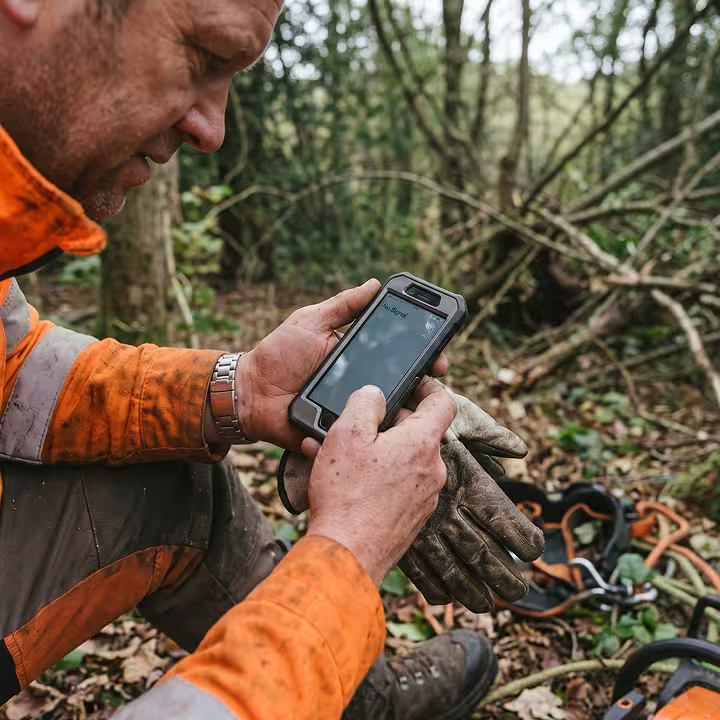
Email surveys and desktop intranets were built for people at a desk. On shift, there's no inbox to check, and many deskless workers don't have a company email at all. So surveys go unanswered, a shout-out posted on the intranet never reaches the floor, and news arrives secondhand through a manager, if it arrives at all.
For the business, the gap is easy to miss. Your engagement score can look fine until you check who answered, because most responses come from people at a desk. The people serving your customers and running your sites barely show up in the data, so you only find out they were disengaged when they hand in their notice.

An employee engagement platform built on participation, not scores
A store associate reads the morning update, reacts to a colleague's shout-out, and answers a quick pulse survey before the shift starts. Blink turns those everyday moments into measurable employee engagement across every site and every shift.
How Blink turns engagement into participation
Blink solves employee engagement challenges on the phone already in your people's pockets with a QR code or magic link. It gives them a feed they can answer back to, recognition everyone sees, and pulse surveys that take seconds, while the Hub pulls everything into one place.
A feed where everyone joins the conversation
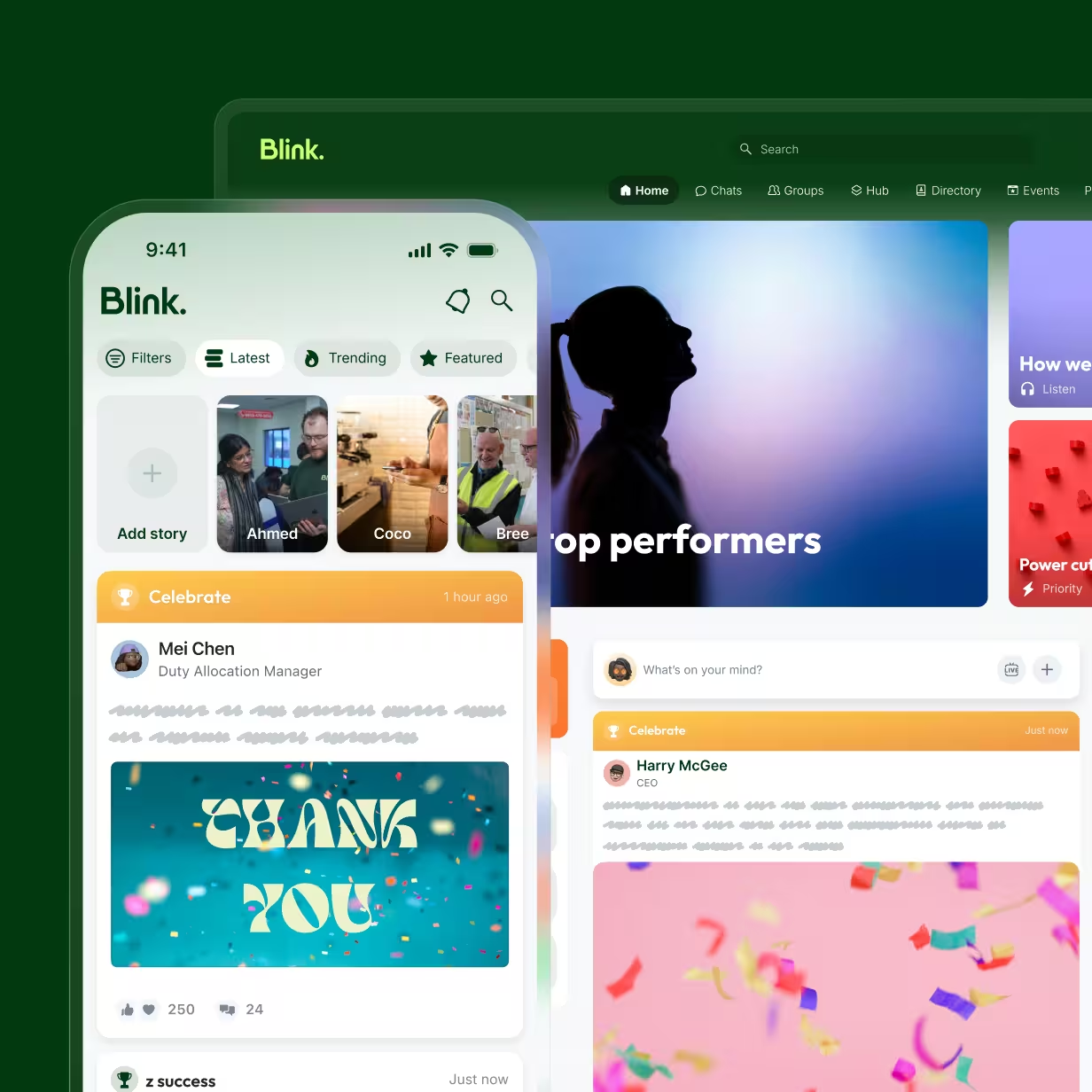
A typical internal newsfeed is built for broadcast: HQ posts, everyone else scrolls past. Blink's feed is the part of the employee engagement platform where the conversation starts, and people join in. Employees like, comment, and respond to updates, share their own wins from the sales floor, and see colleagues at other sites doing the same. Over time, the feed becomes the running record of your culture, written by the people who live it.
Recognition that reaches the frontline
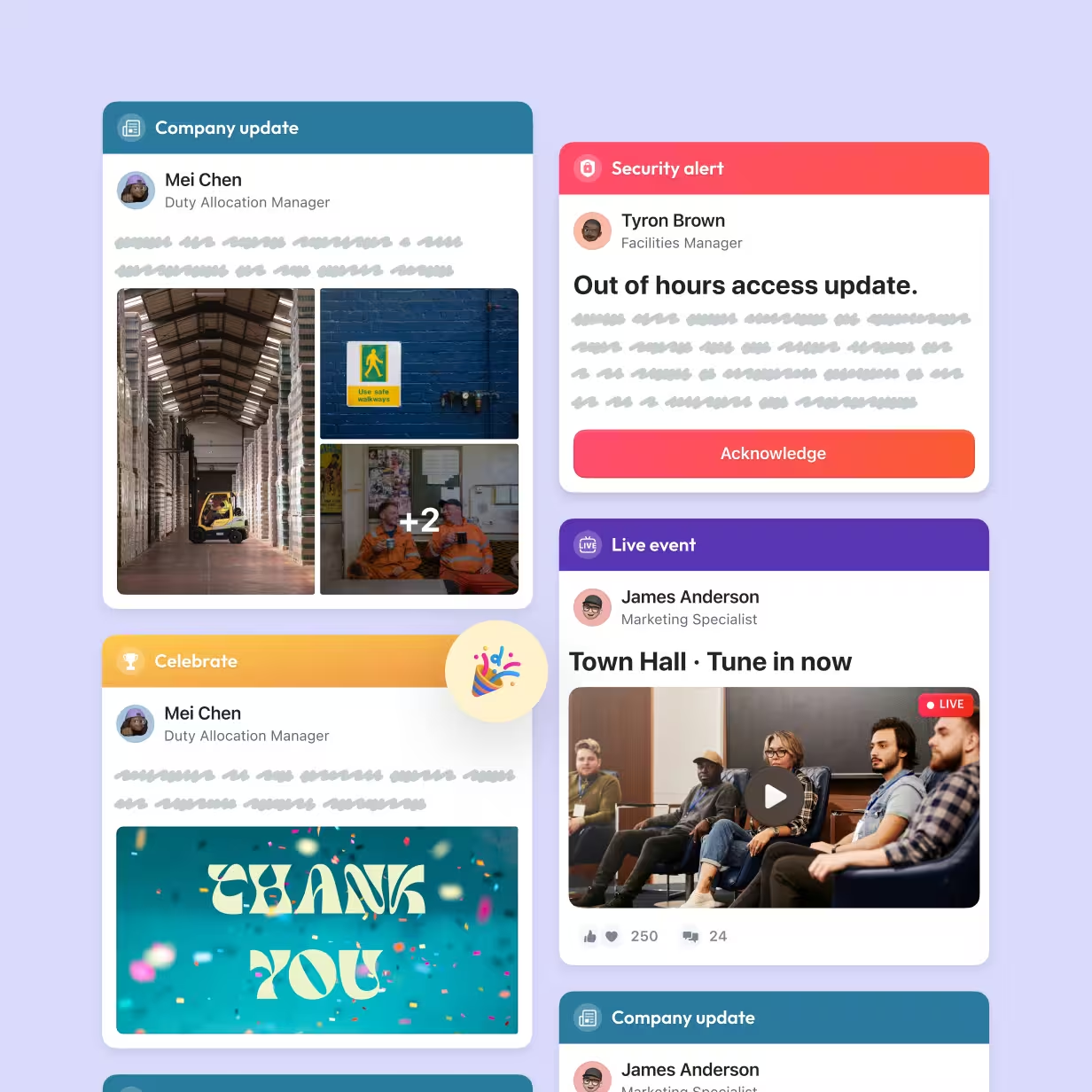
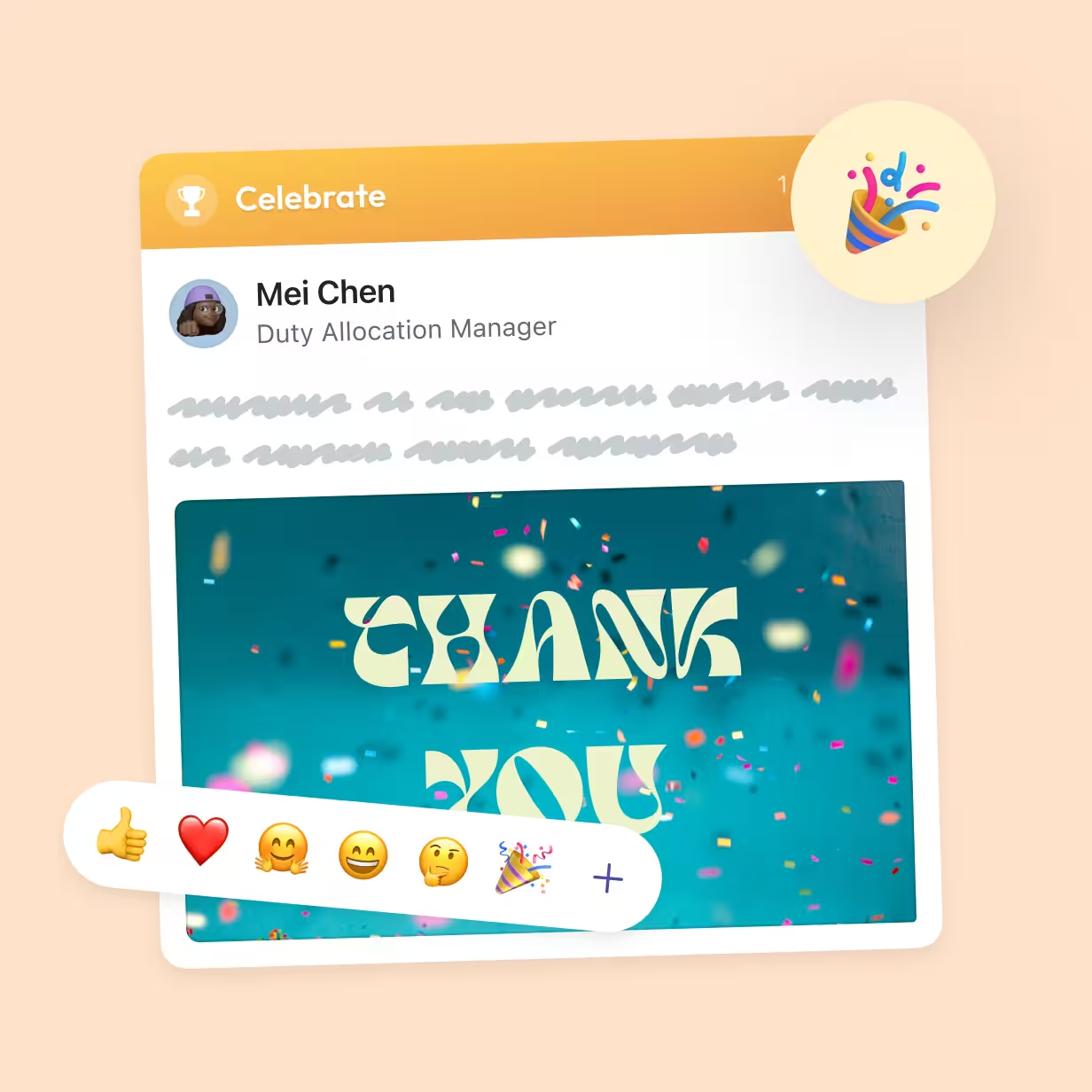
Recognition only works if people see it. Blink's employee recognition software puts shout-outs in the same feed employees already check, so a thank-you for a warehouse picker lands as visibly as one for an analyst at HQ. Managers can recognize great work in seconds from their phone, and peers can join in. The result is frequent, visible appreciation, not a once-a-year award that deskless teams rarely hear about.
Pulse surveys that measure participation
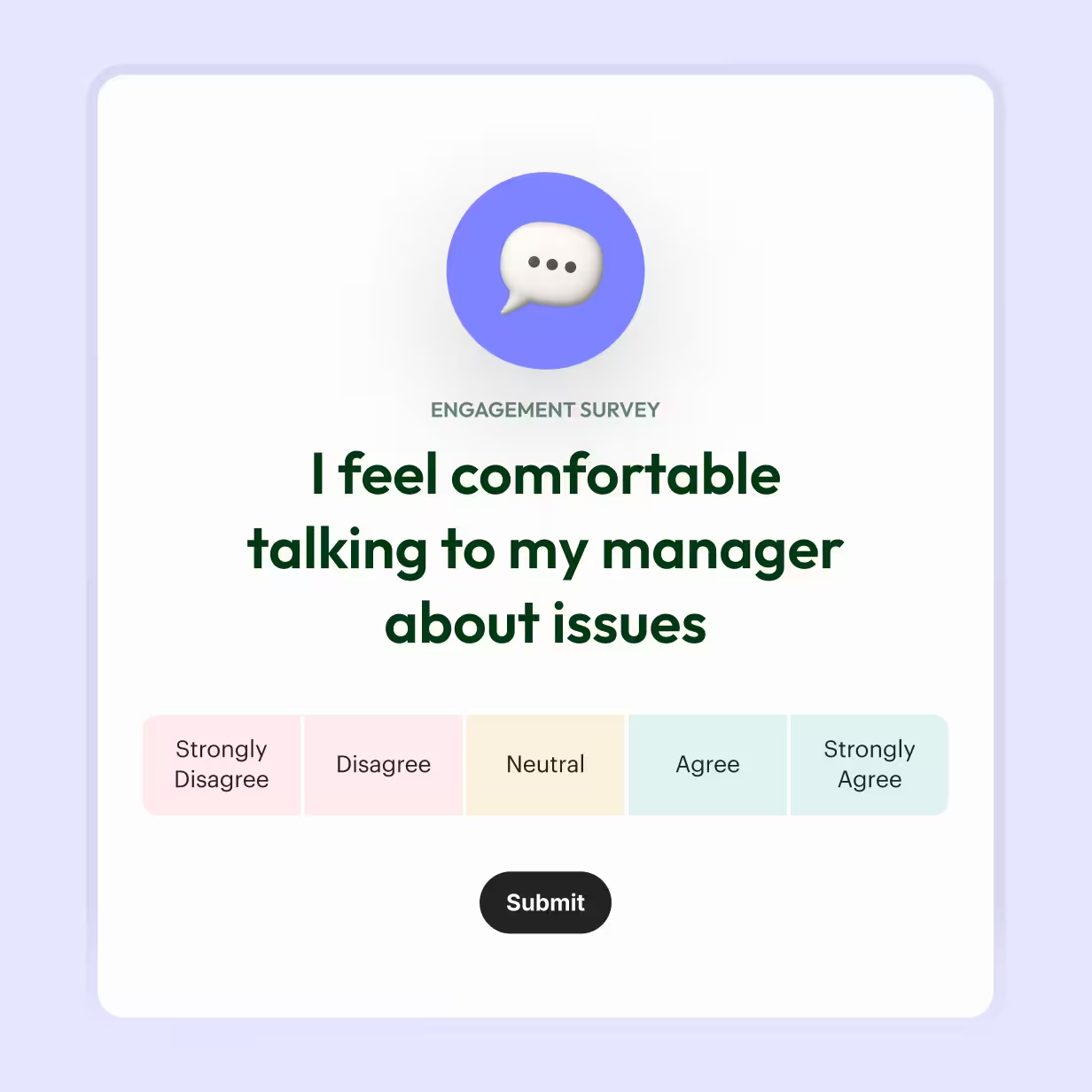
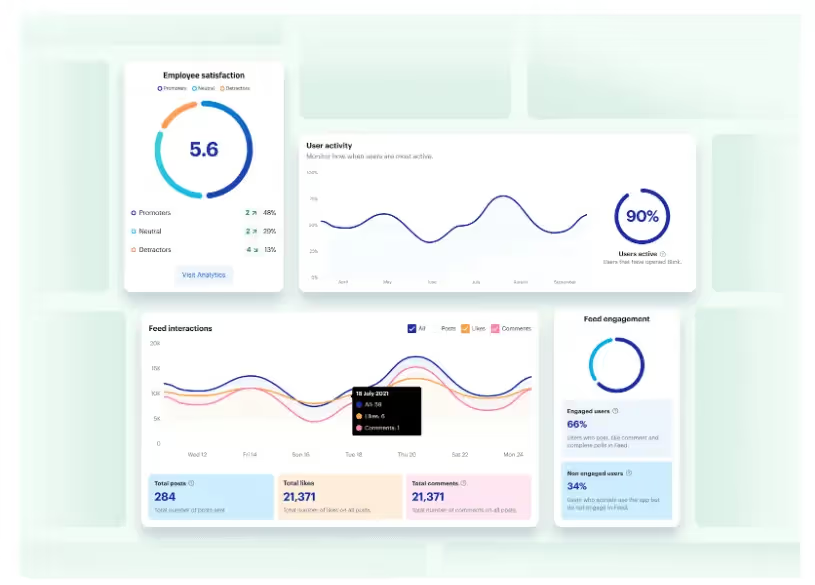
Annual surveys tell you how people felt months ago. Blink's pulse surveys are a lighter employee engagement tool: short, frequent, and answered on the phone, so responses come from across the workforce, not just whoever sits at a desk. Results go to managers, who can see where participation is slipping and act while it still matters, and HR gets the full picture across every site and team.
The Hub: everything in one easy-to-find place
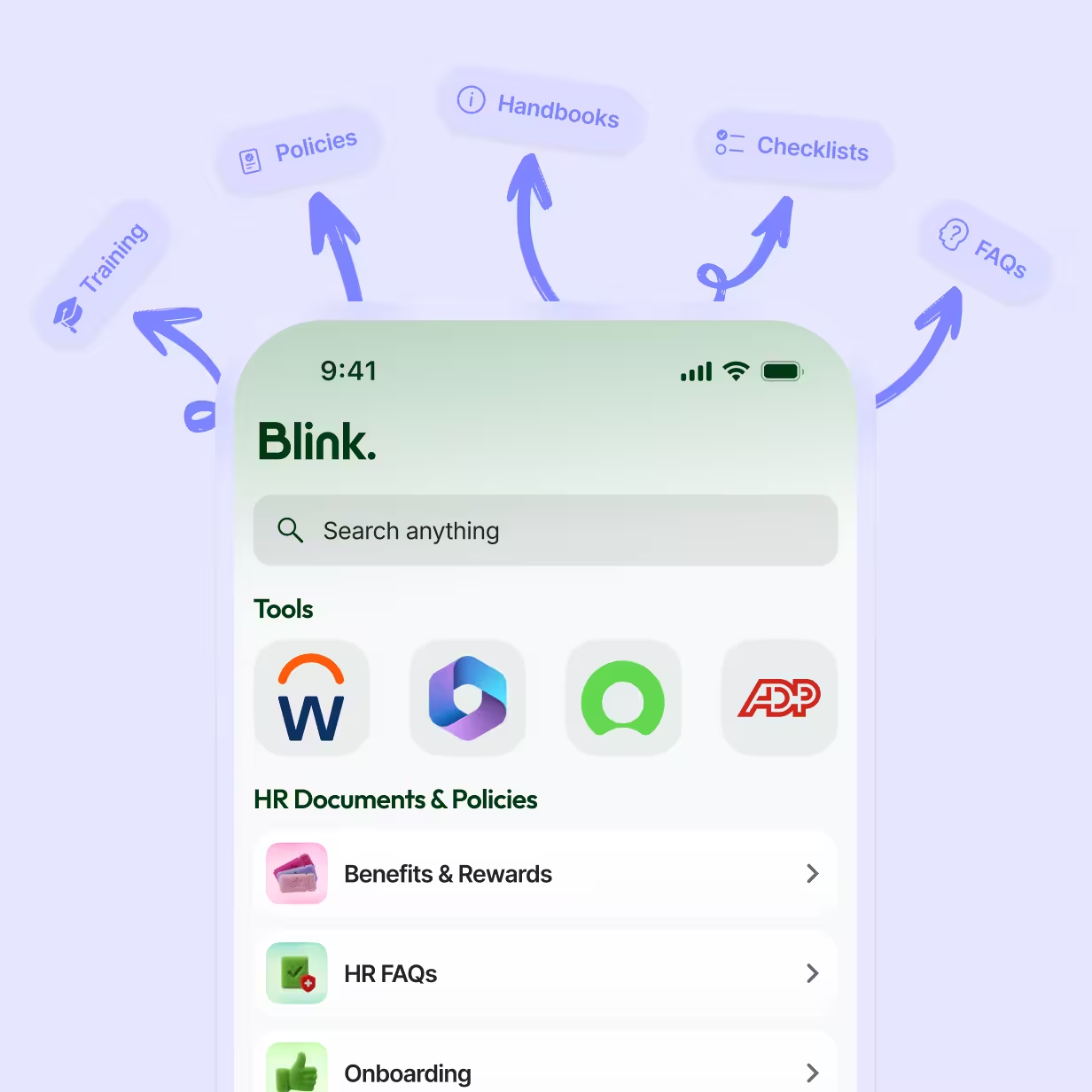
Engagement needs trust, and trust starts with finding what you need. The Hub keeps it all together: policies, procedures, guides, and links to the tools employees use every day, in one place inside the app they already have downloaded. When answers are a couple of taps away, people come back. That habit is what turns an app into somewhere employees actually choose to spend time.
Communities that make belonging part of work
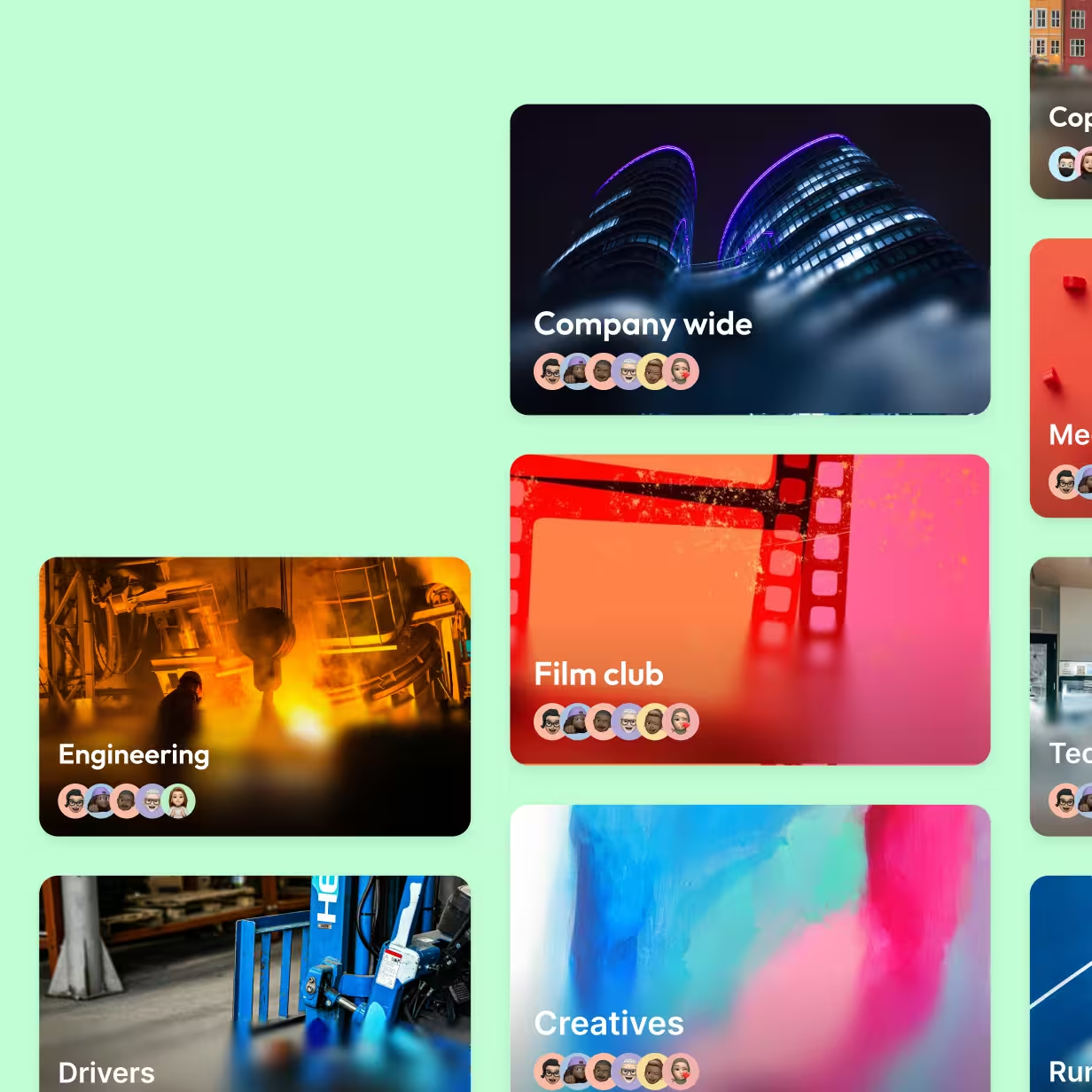
People open an app for their tasks. They keep coming back for their people. Blink Communities let employees gather around what they share, from a site or shift to a running club or a new hire group, so there's always a reason to check in beyond the next shift. That sense of belonging drives participation, and it's often where new hires first feel part of the company rather than just on its payroll.
Works with your stack
Engagement data shouldn't sit in a silo. Blink connects with the tools your team already lives in, from your HR system (HRIS) to Microsoft Teams, so employee records stay in sync and participation metrics sit alongside the rest of your people data, where HR and managers can act on them.
Employee engagement built for how your industry works

Retail
Make seasonal and hourly staff feel part of the team from their first shift.

Hospitality
Keep hotel, restaurant, and venue teams connected across every shift, from the front desk to the kitchen.

Healthcare
Reach shift-based care and clinical teams who rarely see a desk at work.

Manufacturing
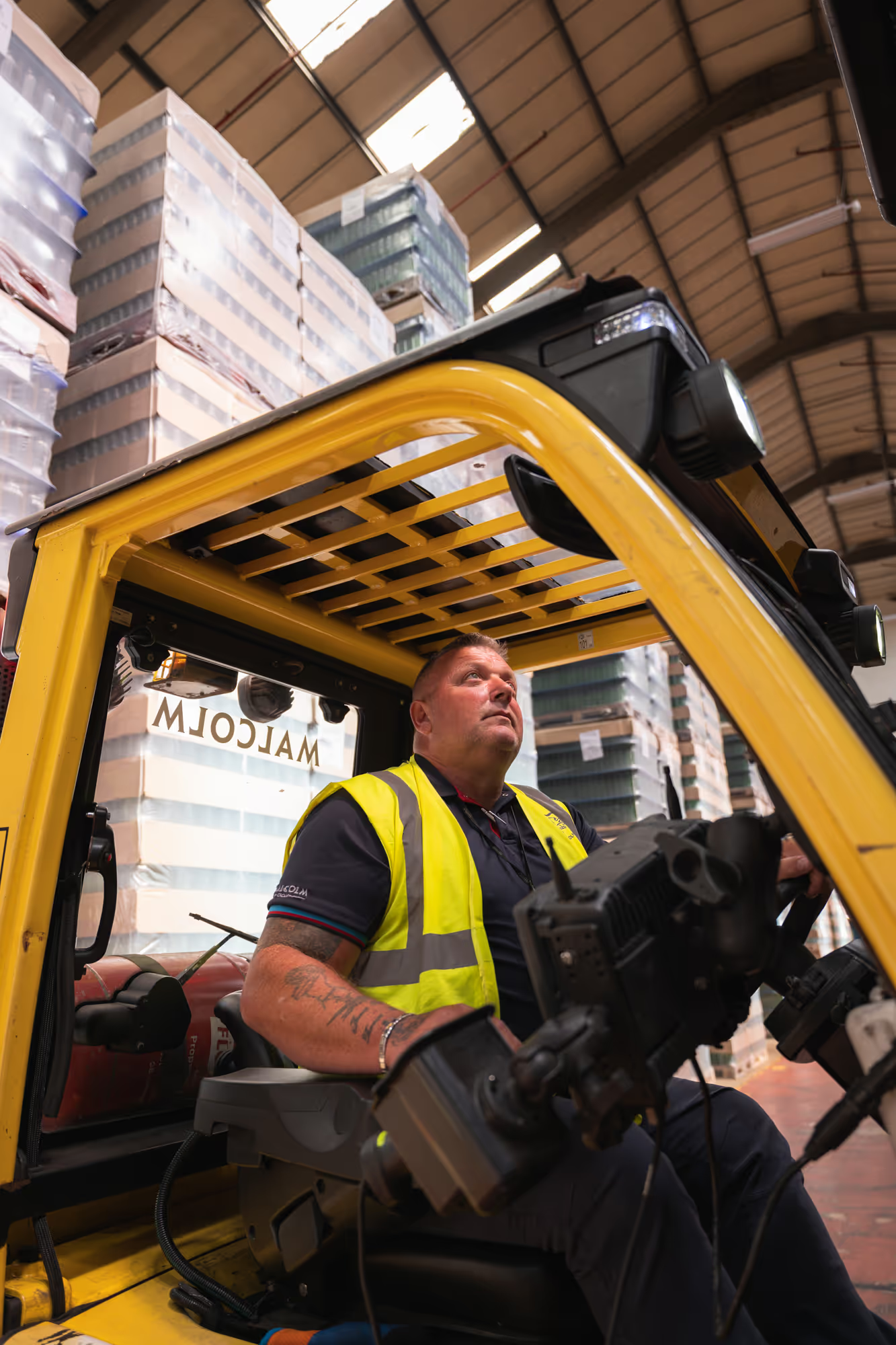
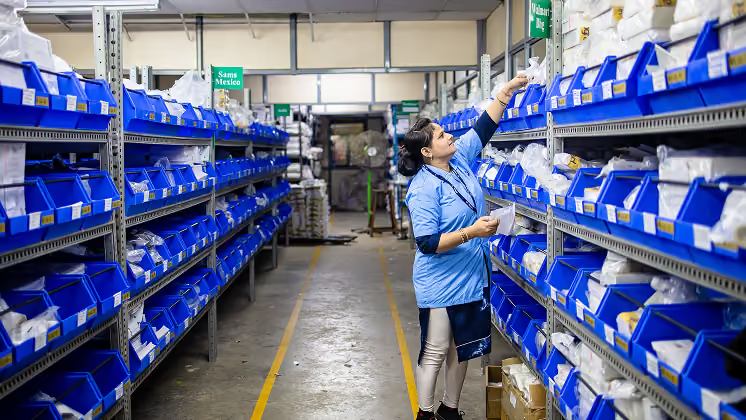
Keep frontline teams across plants and warehouses connected, recognized, and heard.
More on employee engagement



































































Frequently asked questions
Employee engagement software is a digital tool designed to help organizations connect with, recognize, and listen to their staff. The strongest platforms combine two-way communication, recognition, and pulse surveys in one app, so engagement shows up in what employees do every day, not just in an annual survey.
An employee engagement app is engagement software built for the phone employees already carry. It puts the feed, recognition, pulse surveys, and company resources in one place, so deskless and frontline teams can take part without a desk or a company email.
Satisfaction measures whether employees are content with their job. Engagement measures how involved they are: whether they contribute, respond, and care about the outcome. A satisfied employee can still be disengaged, which is why participation is a stronger signal than a happiness score.
Combine what employees say with what they do. Pulse surveys capture sentiment, while participation metrics like daily active users, survey response rates, and feed interactions show whether people are actually involved. Tracked together, they surface problems earlier.
The best employee recognition software is the one your whole workforce actually uses. Look for recognition that shows up in a shared feed, tools managers can use in seconds, and an app that works on the phone employees already carry. Blink's recognition is built around all three.
AI can spot patterns in engagement data that people miss, such as a team whose participation is quietly dropping. Blink Assist drafts updates, summarizes survey feedback, and translates messages for multilingual teams, so every message lands, whatever language your team speaks.
Engaged employees are more likely to stay because they feel connected to their manager, team, and company. That connection matters most early on. Strong employee engagement and retention strategies focus on the first 90 days, when new hires decide whether they belong.