Internal communications that reach every frontline worker, with proof they landed

Why internal communications break down before they reach the frontline
Most internal communication still runs through email, an intranet, or a printed notice in the break room. That works for desk-based employees, but frontline and deskless employees don’t have a company inbox to check and often miss intranet messages.
The bigger problem is that leaders can’t see what landed. Without read or response data, leaders are left guessing whether a safety alert, a policy update, or a message from the CEO actually reached the floor. For the business, that guesswork shows up as missed safety checks, failed audits, and the same mistakes repeated on every shift.
Blink closes that gap by putting communications directly on the device already in every employee’s pocket, with proof of who’s seen it.



Targeted and tracked internal communications for every employee
Blink lets you target updates by site, team, or role, and every post comes with read and response data, so you know who has seen it and who needs a follow-up. Once messages reliably reach people, communication starts flowing both ways, which is why open communication matters so much for trust across a frontline workforce.
How Blink’s internal communication software works
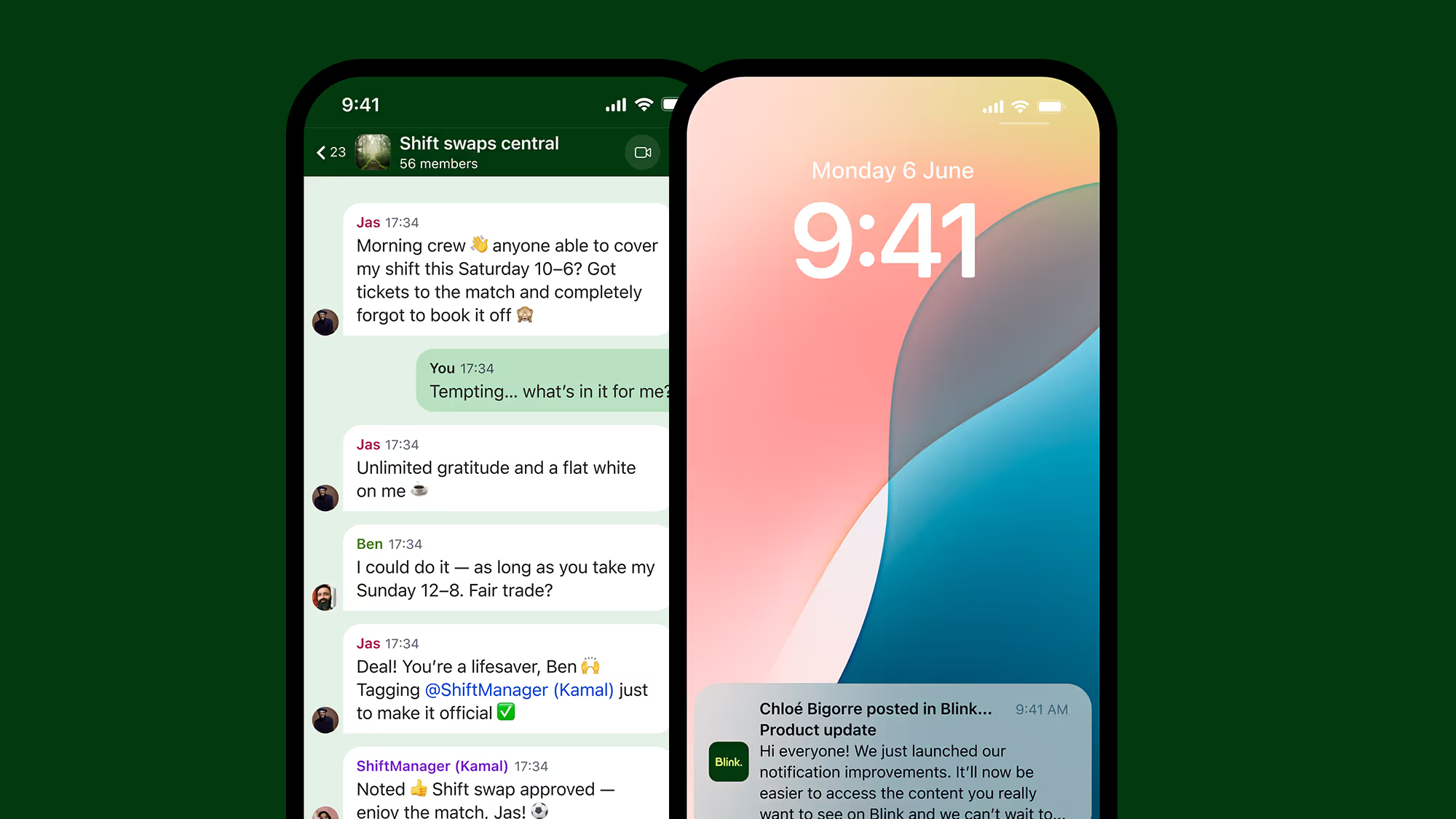
Every message goes straight to employees’ phones, in the format that suits it. Urgent updates go out as priority posts, with an optional SMS for anything that can’t wait, and policies become mandatory reads that each employee signs off on. Everyday news works best as video and image-first posts, while quick polls and live-streamed town halls bring employees into the conversation. Whatever the format, you always see who’s read it and who hasn’t.
Critical communications that reach people when it matters
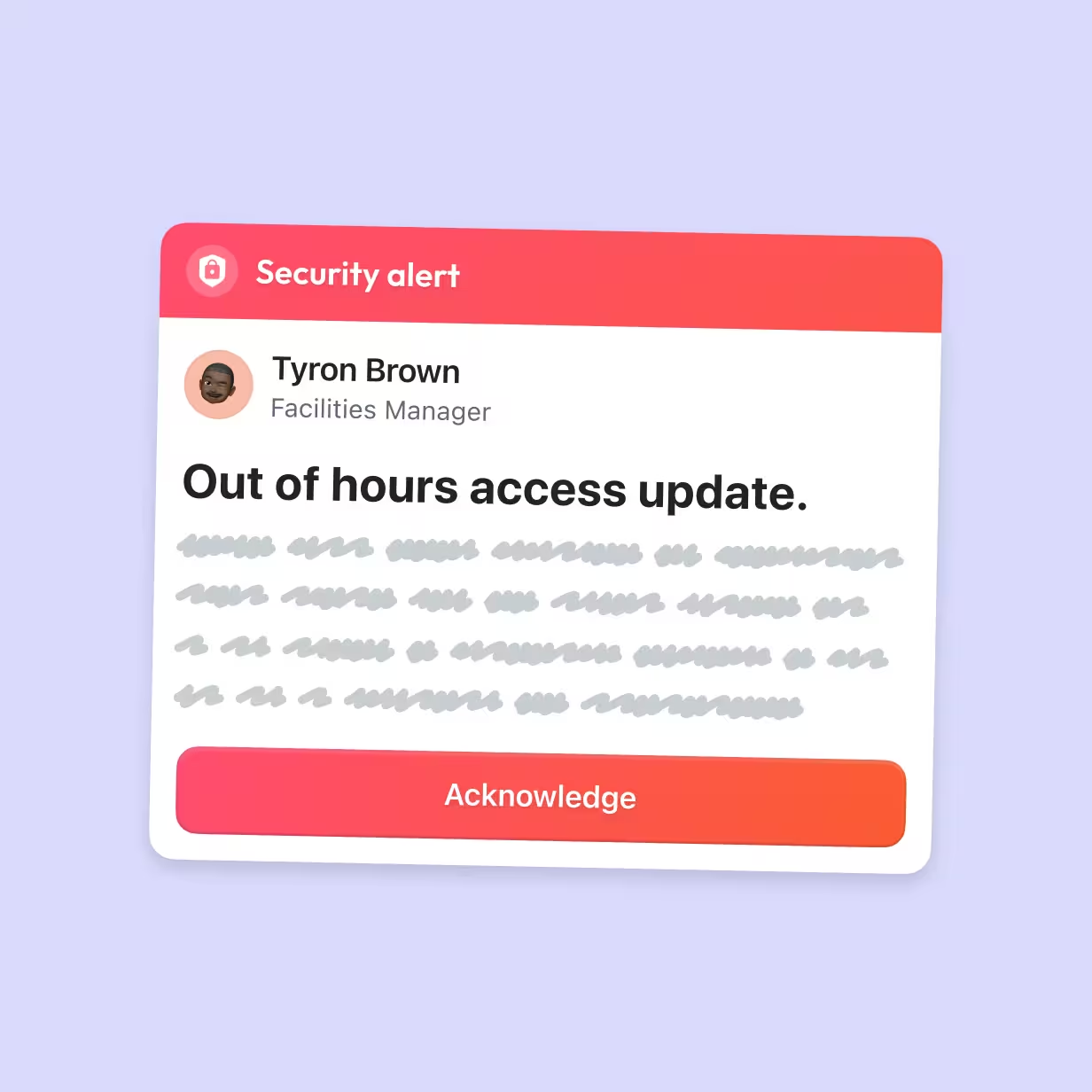
Some messages can’t wait for someone to open an app. Critical communications in Blink let you send an update as a priority post that pins to the top of every feed and bypasses Do Not Disturb settings. For policies and compliance, Mandatory Reads require staff to acknowledge the policy, giving you a reliable record for your auditors. It’s built for the moments that can’t wait, like safety alerts and last-minute changes to a shift.
A two-way feed with built-in polls and reactions
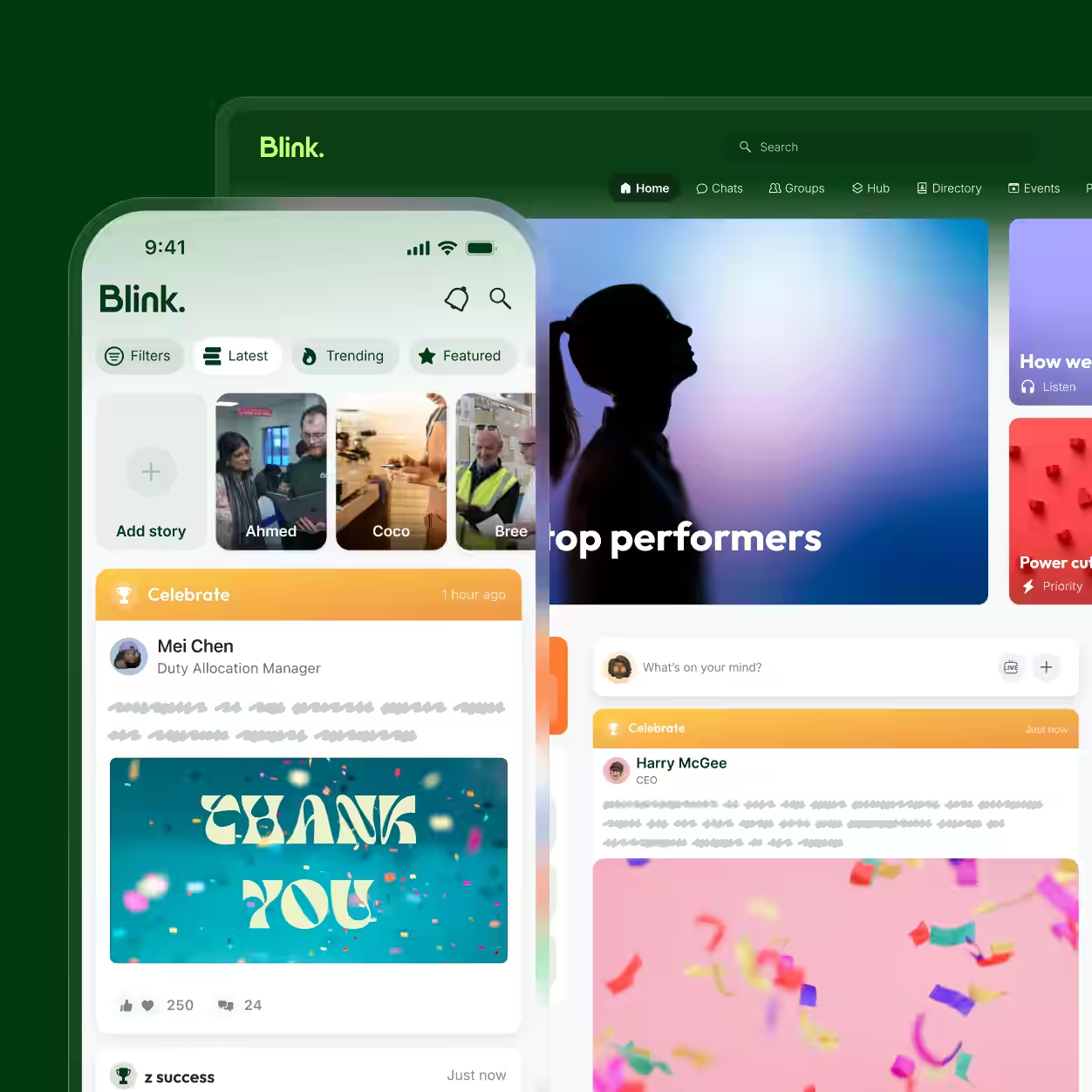
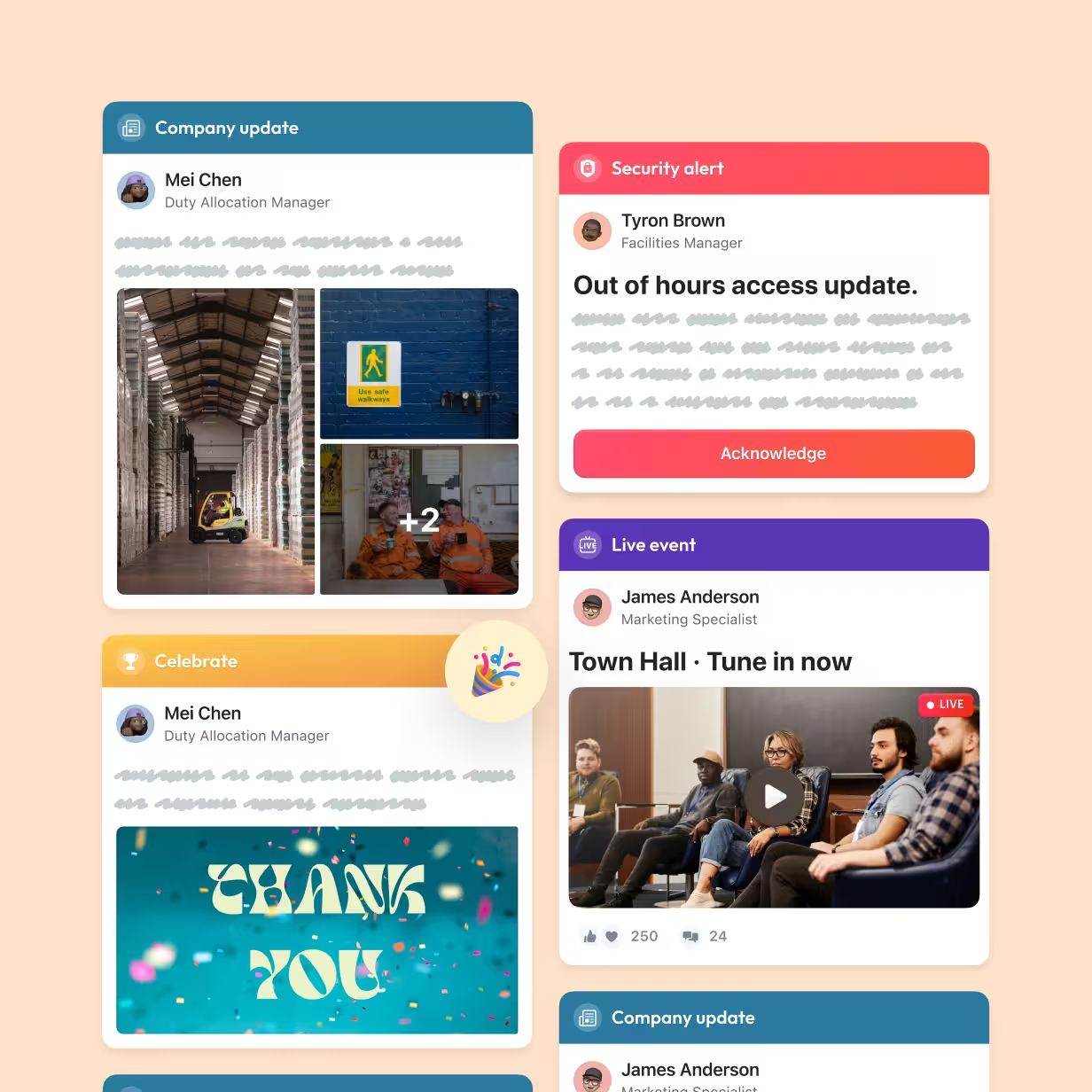
Blink’s feed is where everyday updates live, and it works in both directions. Leaders post to the whole company or a single site, and employees can react, comment, and answer a built-in poll from the same post. Behind every post, Blink shows how many people opened it, read it, and responded, so you can see which messages are cutting through and which teams need a nudge.
Leadership updates, live on every employee’s phone
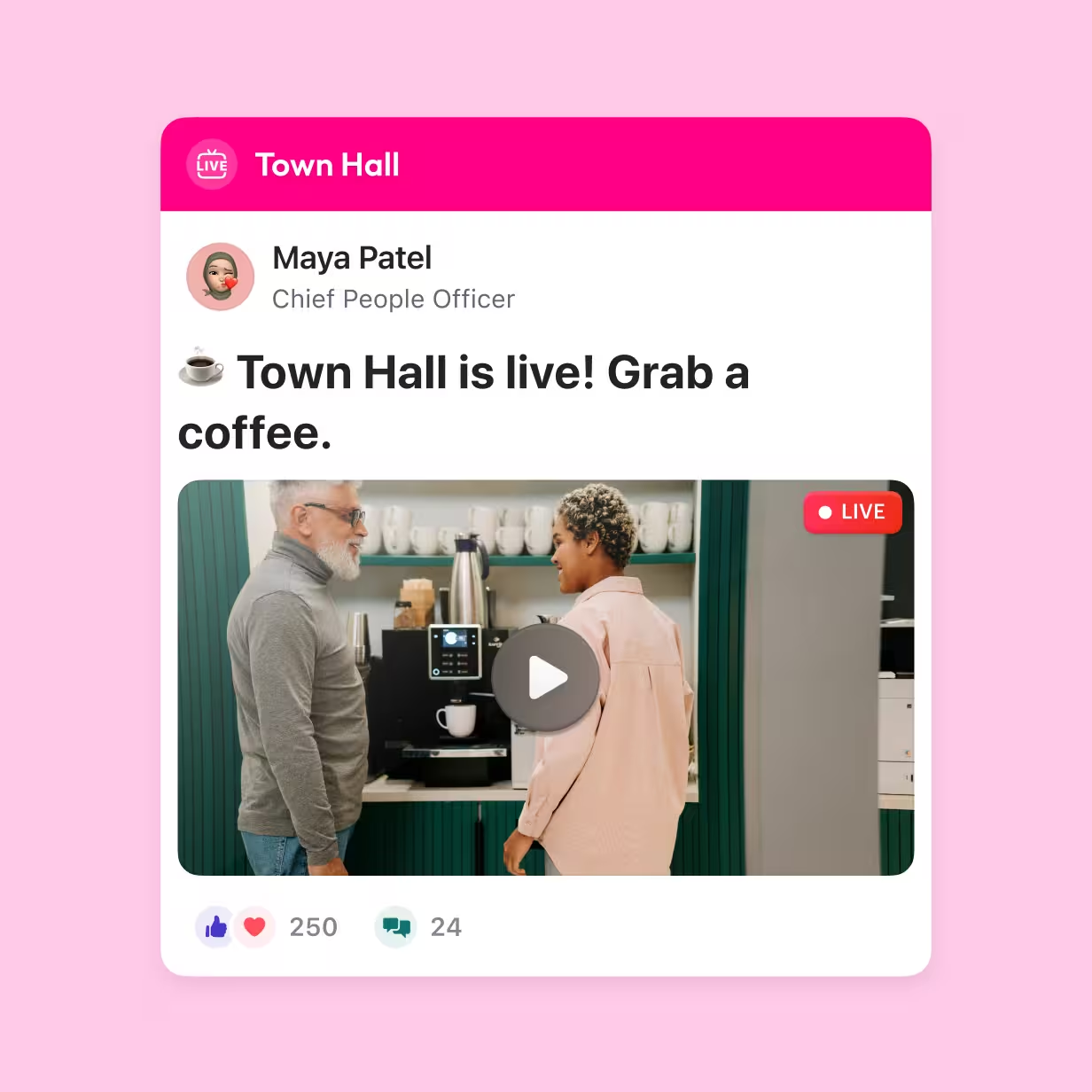
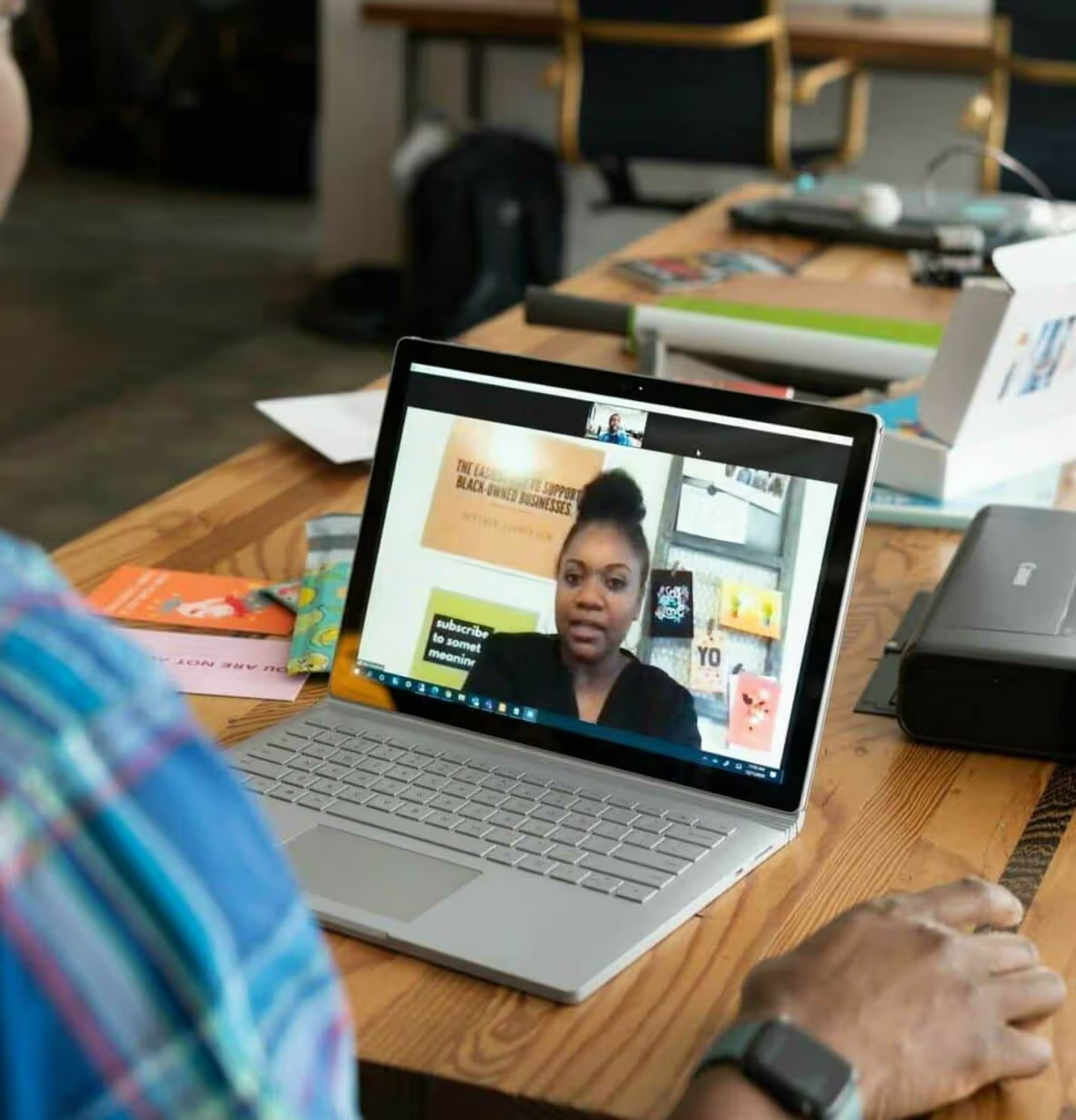
Blink’s live streaming broadcasts leadership updates and company events straight into the feed, so employees can tune in on their phone without a laptop or company email. Every stream is saved as a recording for people on a different shift, and auto captions help them follow along. Teams already presenting in Zoom or Microsoft Teams can stream from there too, so the frontline sees the same as head office.
Stories your frontline will stop scrolling for
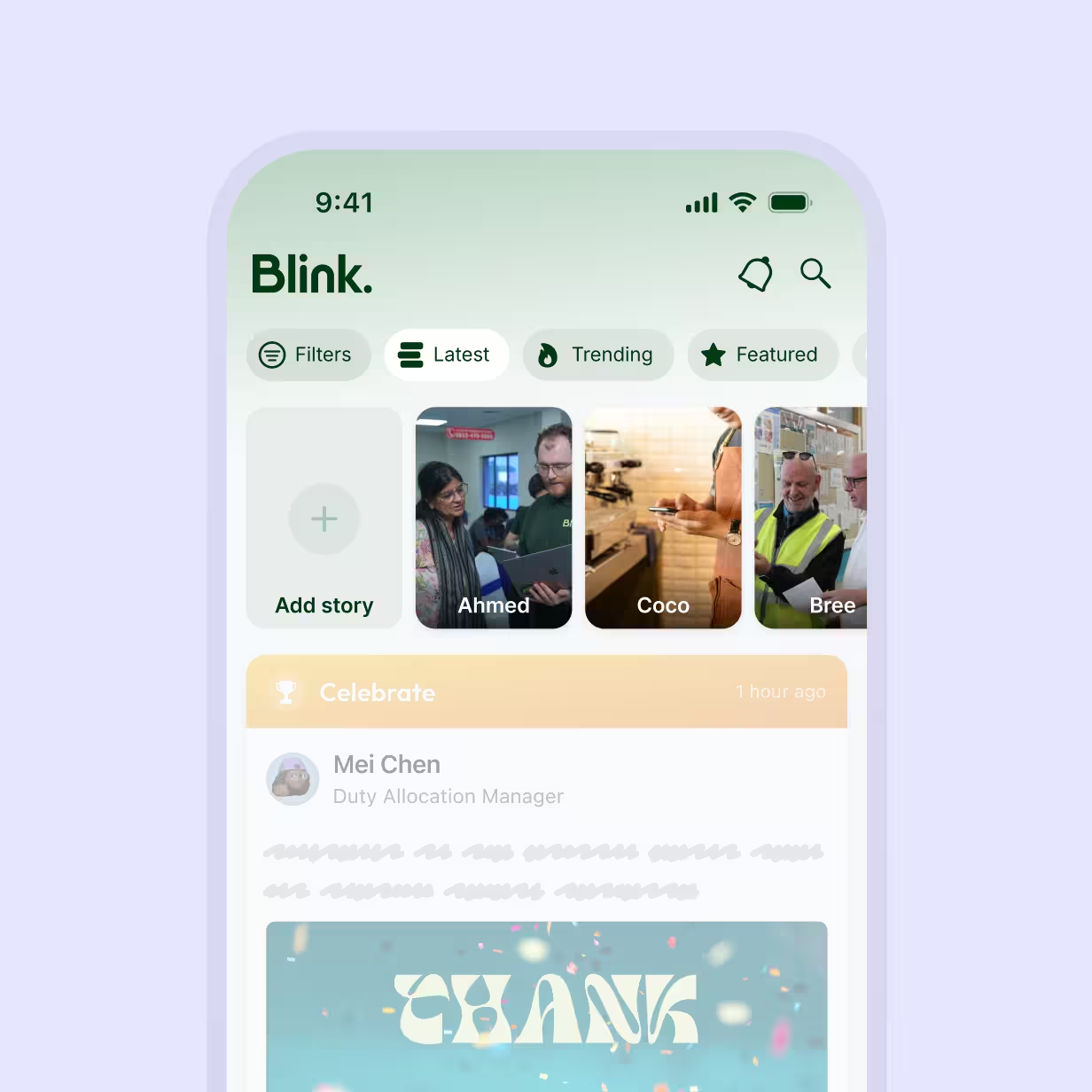
Frontline teams often catch up on internal comms during their breaks, so long text posts often get scrolled past. Stories let leadership and employees create and share short-form, video and image-first content, from celebrating team achievements and recognizing coworkers to sharing moments from their working day. It helps teams across different locations connect, share experiences, and build a stronger sense of community.
Write one update and reach every site in its own language
Writing for a frontline audience takes time, especially when the same update has to work for different sites, roles, and languages. Blink Assist helps comms teams draft clear updates faster, and messages can be translated into more than 100 languages, so multilingual teams get the same information in the language they’re comfortable with. Paired with audience targeting, each site gets the version meant for it, without anyone rewriting it by hand.

Works with your stack
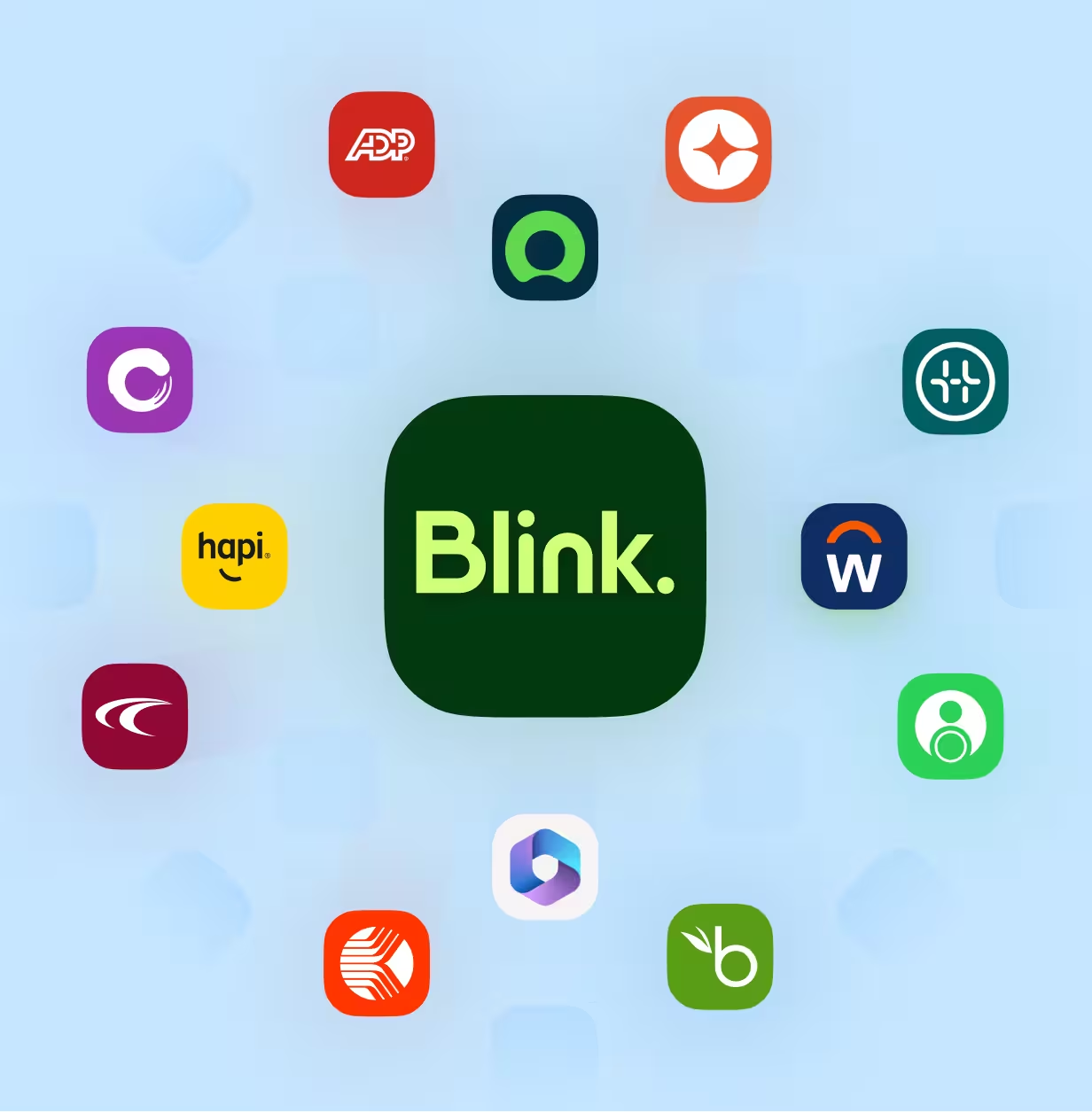
Blink fits into the comms and HR tools you already use, from Microsoft Teams and Zoom for live streaming to HR systems like Workday, SAP, and Dayforce, so critical comms and acknowledgment data don’t sit in a silo. Employee records stay in sync, which keeps your audience targeting accurate as people join, move sites, or leave.
Internal communications for every frontline team
Comms teams
You’re responsible for every message reaching every employee. Blink gives comms teams targeting, formats, and read data in one place, so you can show leadership exactly what landed.

Retail
Store associates get the same update at the same time, whichever store or shift they work, so promotions and policy changes land consistently across every location.

Hospitality
Front desk, kitchen, and housekeeping teams rarely overlap, so Blink delivers one consistent message to every property and shift pattern.

Healthcare
Policy and safety updates reach care teams on shift, with acknowledgment tracking that shows who has signed off, even if they’re rarely near a computer.
Go deeper on internal communication































































Frequently asked questions
Internal communication is how an organization shares information with its own employees, from leadership updates and policy changes to safety alerts and everyday team news. It covers announcements from the top as well as two-way conversations between employees, managers, and head office, across channels like email, intranets, employee apps, and in-person briefings.
Internal communications are aimed at employees, while external communications are aimed at customers, investors, the media, and the public. The two should tell the same story, because employees are often the first people customers ask about company news. Read more about internal and external communications.
The main internal communication channels are email, intranets, employee apps, team messaging, video and live streaming, digital signage, and in-person briefings. For frontline and deskless teams, mobile channels matter most, since many employees don’t have a company email or a desk to check. See our guide to internal communication channels.
Good internal communication is timely, targeted, and easy to act on. Examples include a safety alert sent only to the affected sites, a town hall streamed to every phone with a recording for later shifts, and a policy update that asks each employee to confirm they’ve read it. Explore more internal communication examples.
The best internal communication platform for frontline teams is one employees can use on their own phone without a company email, that can reach them when they’re off the app, and that shows who has read each message. Look for audience targeting, read tracking, acknowledgment for mandatory updates, and formats like video and live streaming that suit people on shift. Blink, for example, lets employees join with a QR code or magic link and gives comms teams read and sign-off data on every critical update.
The main types of internal communication are top-down updates from leadership, bottom-up feedback from employees, peer-to-peer conversations between colleagues, and critical communications for urgent or safety-related updates. Most organizations need all four, delivered through channels their whole workforce can reach.
Digital signage shows updates on screens in shared spaces like break rooms, warehouses, and store back offices, which makes it useful for reaching people as they pass by. It works best alongside a mobile channel, because a screen can display a message but can’t confirm who read it.