Employee communication app that gets work out of the group chat





























Why frontline teams end up talking on the wrong channels
When a company doesn't give frontline teams a way to talk, they find their own.
Shift swaps happen in group chats on personal phones and urgent changes go out by text. Email and the intranet don’t help. Most frontline employees don’t have a company login, and the ones who do aren’t at a computer during a shift.
The problem is that none of these channels connect. A store manager posts an update in one group, and a regional lead sends a different version by email. It also means frontline staff are the last to hear about head office decisions.
One employee communication app for every shift and handover
Blink gives every employee one place to communicate with their team. Shift handovers are shared in a team chat, colleagues agree swaps without endless back-and-forth texts, and a quick call helps resolve problems on the floor before they delay the next task. With conversations all in one app, teams can look back at previous messages whenever they need to.
How Blink keeps frontline teams talking
No company email? No problem. Employees join Blink on their own phone with a QR code or magic link. Admins can add them to the right teams, so they see the conversations that matter to their site from their first login.From there, team chats become the place where employees hand over shifts, calls cover anything quicker to talk through, and important questions get answered. Offline mode keeps the essentials readable when the signal drops, so a basement stockroom or transit route doesn't cut anyone out.
Chat built for shift-based and distributed teams
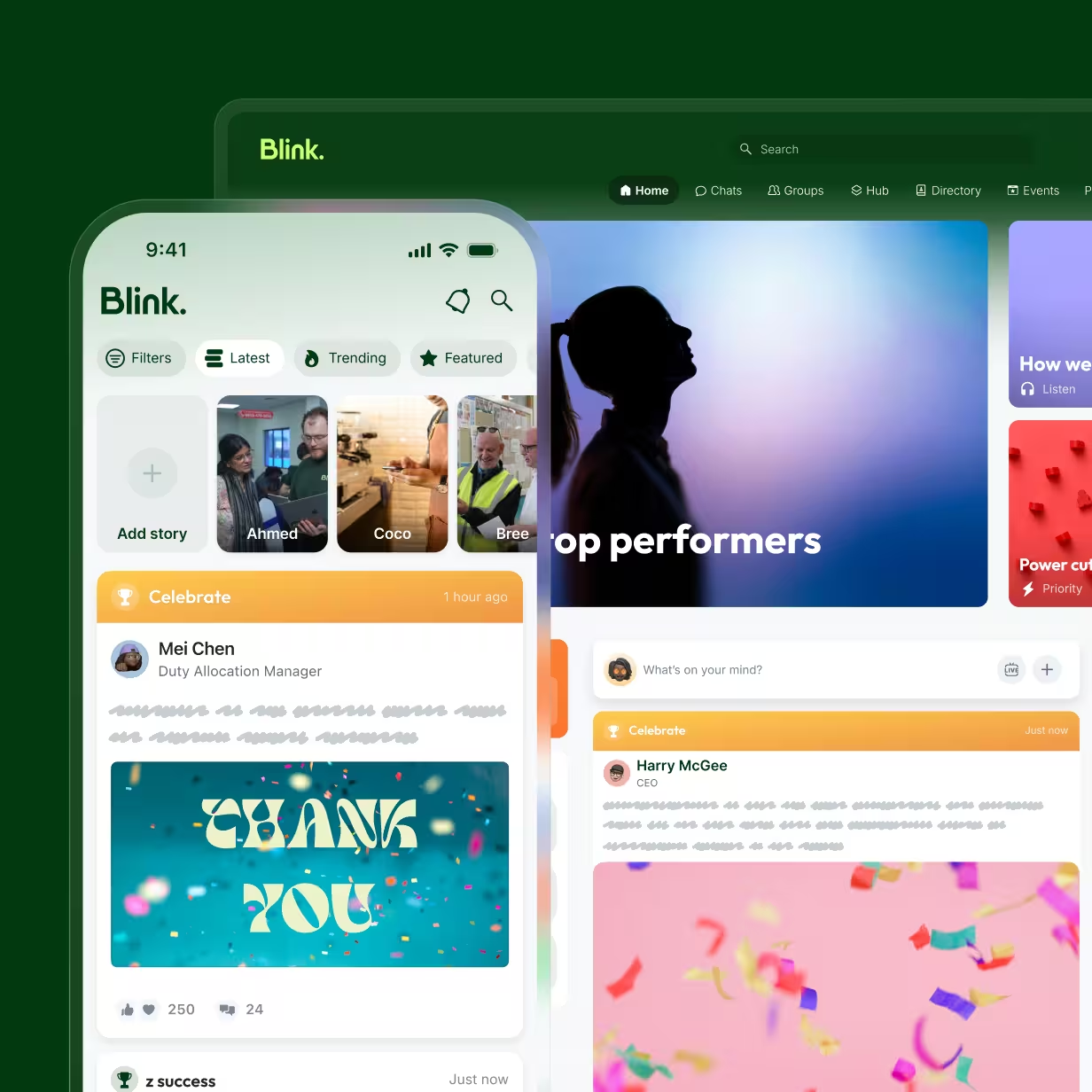
Blink chat feels as familiar as messaging friends, so employees pick it up with ease. Managers can set up team chats for a shift, a store, or a project and tag the people who need to act, while anyone can message a colleague one-to-one. Work chats move off personal messaging apps and into a space your organization manages, so nothing walks out the door when someone leaves.
Voice and video calls with one tap
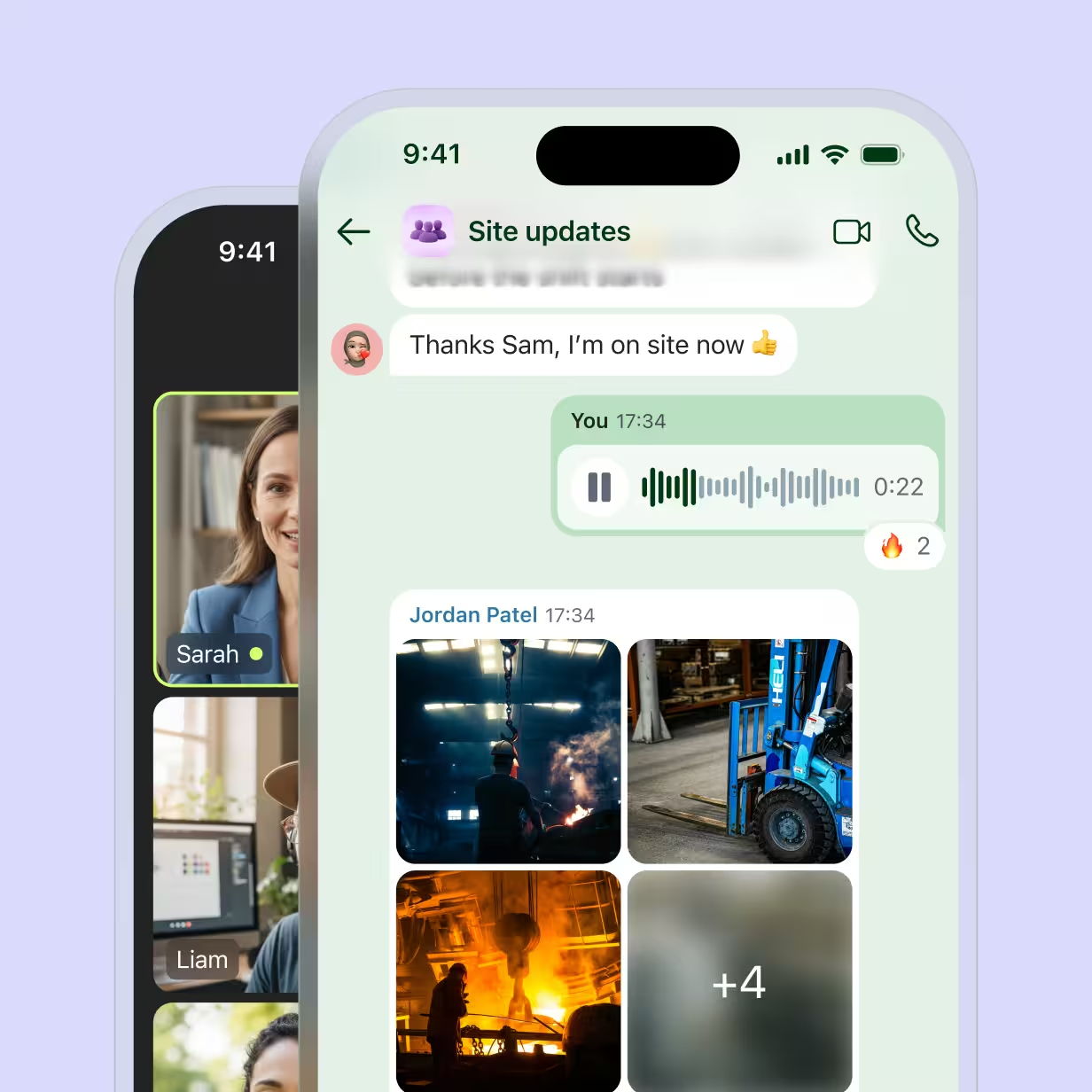
Some things are quicker to say than type. Employees can call a colleague from a chat or their profile, or start a group call with up to 50 people from any group chat or channel. There are no meeting links or waiting rooms to deal with, and on mobile, calls ring like a normal phone call even when the app is closed. It gives a regional manager a quick way to check in with several stores at once, or a supervisor a way to talk someone through a problem on the floor.
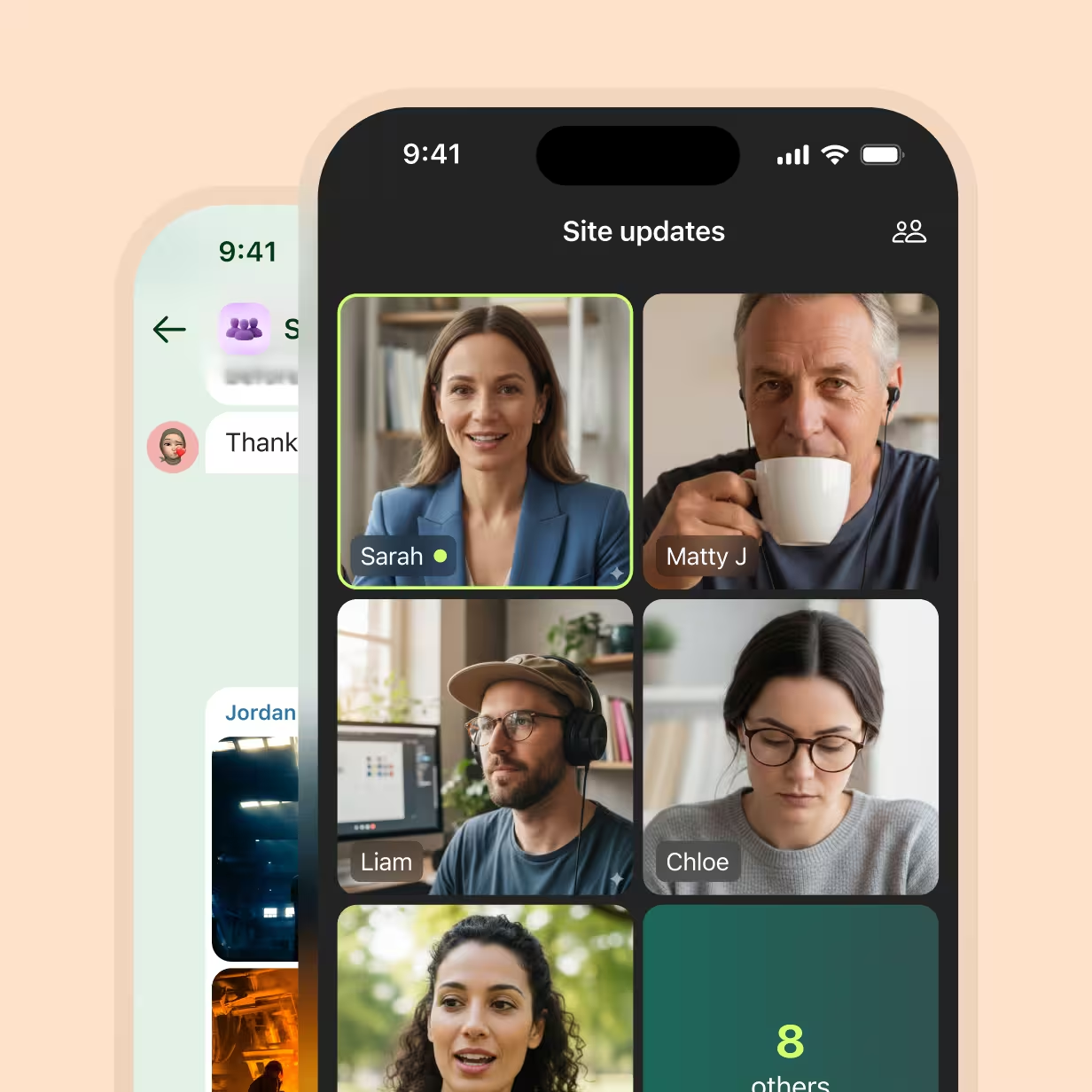
Communities that connect people across sites
Communities in Blink let people connect. Employees can browse and join communities built around shared interests or experiences, from a run club or a veterans' network to a group for new managers, and they can even request new ones for an admin to approve. For frontline staff who rarely meet anyone outside their own site, it's often the first chance to swap tips with people doing the same job elsewhere.
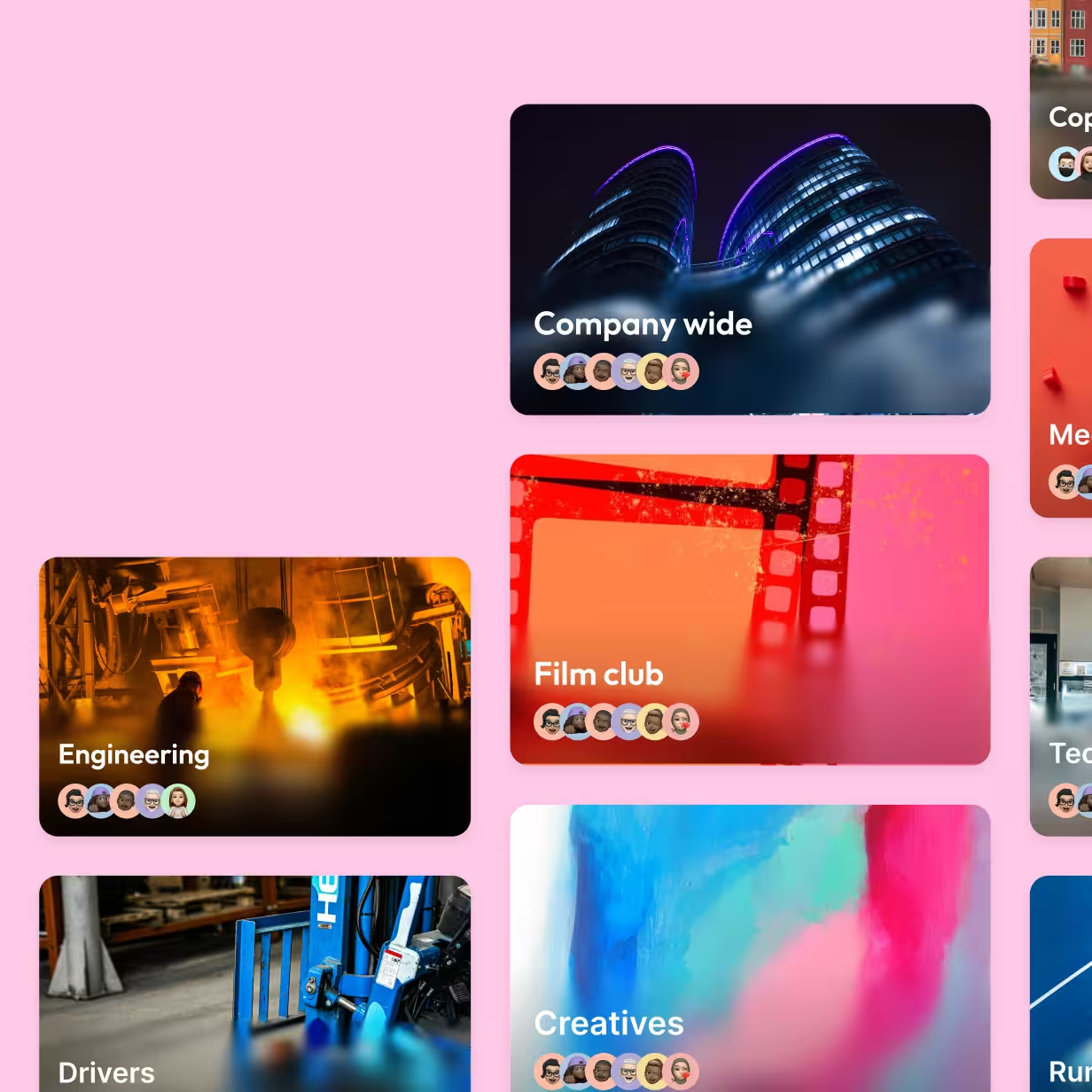
Offline mode for when the signal drops
Plenty of frontline work happens where phones struggle to connect, from stockrooms and basement kitchens to warehouses and transit routes. With offline mode, employees can save the updates, schedules, and instructions they rely on to their device and read them with no connection. Anything new syncs automatically as soon as they're back online, so nobody has to refresh.
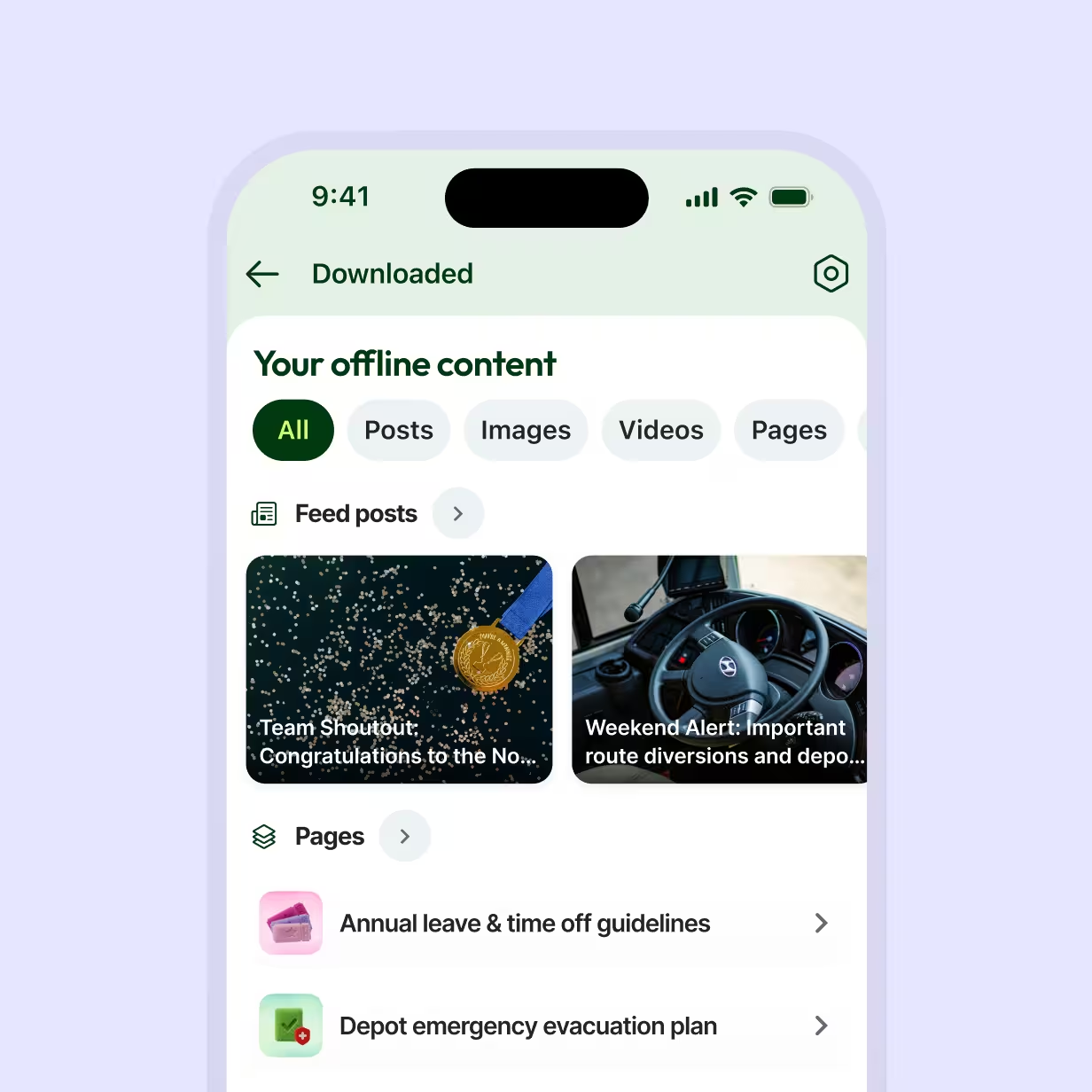
Turn instructions into tasks that get done
Instructions sent as a message are easy to miss. Blink task management turns checklists, forms, and approvals into a daily planner on every employee's phone, with built-in guidance and photo capture in each task. Assignments follow the shift pattern, so tasks reach whoever is working. Managers can see completion rates across every site and team, with an audit log that shows what was done and when.
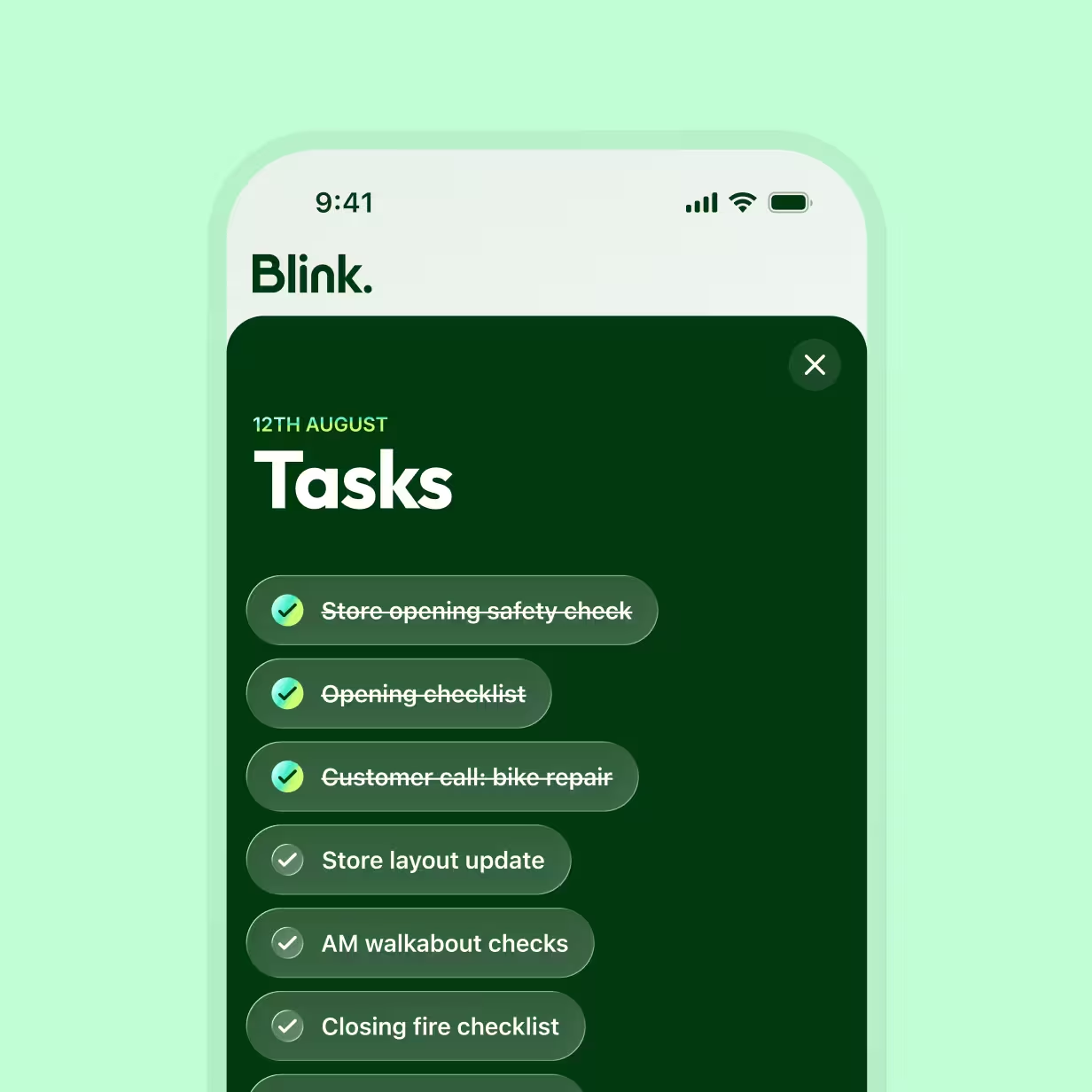
Works with your stack
Blink connects to the HR and comms tools you already use, like Workday, Microsoft, SAP, and Dayforce, so teams in Blink stay in sync with your people data as staff join, move, or leave. With single sign-on, employees use one login to access Blink and the other tools you connect, so they spend less time hunting for passwords and more time on the job.
Employee communication for every frontline industry

Hospitality
Front desk, kitchen, and housekeeping teams rarely overlap, so important updates can get missed between shifts. Blink gives every team one managed place to talk, swap shifts, and share handovers.
IT teams
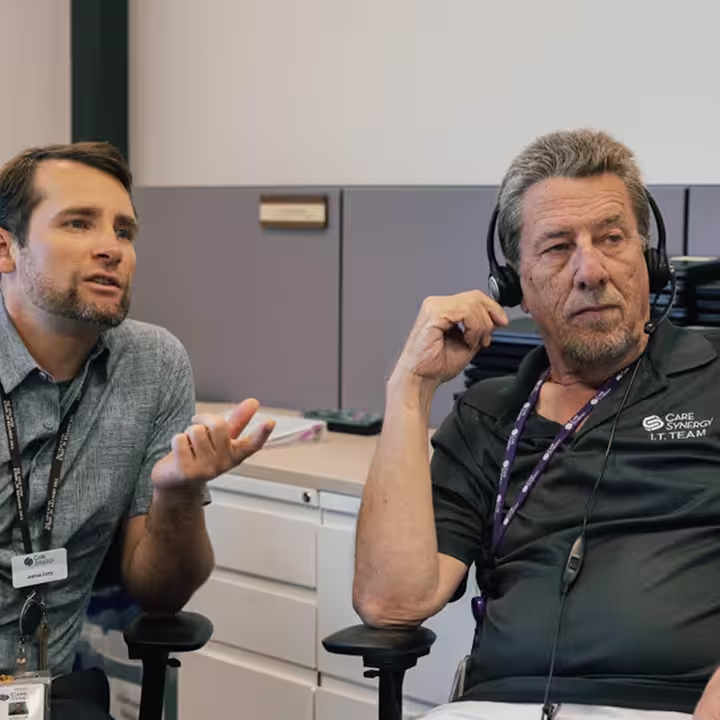
When frontline comms run through personal group chats and messaging apps, company information ends up outside your control. Blink gives IT teams one secure, managed channel for internal communications, with single sign-on and an auditable record of who received and acknowledged each message.

Operations and store managers
You keep shifts covered and work moving across your sites. Blink puts team chats, handovers, and task tracking in one app, so you can see what’s been picked up and what’s still open without chasing replies across group chats.

Retail
A single secure channel for every store replaces the patchwork of personal group chats, so updates reach associates consistently across every location and shift.

Healthcare
Shift-based clinical and support teams get structured, auditable comms, with acknowledgment tracking for policy and safety updates on a HIPAA-compliant platform.

Construction
Site teams stay connected through a managed channel, so safety-critical updates no longer travel through a personal WhatsApp group where nobody can confirm who saw them.
Go deeper on employee communication












Frequently asked questions
An employee communication app is a mobile tool that lets a company share updates with its people and lets employees talk to each other, their managers, and head office. The most useful ones combine chat, calling, company news, and key resources in one place, and run on personal phones so frontline staff without a company email can take part.
Team communication software gives employees a shared space to message, call, and coordinate their work. For frontline teams, it needs to work on mobile, fit shift patterns, and run without a desk or company email. When it doesn’t, teams fall back on personal group chats the company can’t see or manage. Blink brings chat, calls, and tasks into one app employees join on their own phone, so work conversations stay in a space your organization controls.
WhatsApp groups are quick to set up, but they get harder to manage as a team grows. They sit on personal phones and accounts the company doesn't control, so messages and files leave with employees when they go. There's also no reliable way to see who has seen an important update, and work chats end up mixed with personal ones, which makes it harder for people to switch off.
Use a mobile app they can join on their own phone. With Blink, employees sign up with a QR code or magic link, so frontline staff can get updates, chat with their team, and find what they need without a company email address or a shared computer.
Look for two-way chat, voice and video calling, a feed for company news, and a home for documents and policies. For frontline teams, also check that it works offline, connects to your HR system, and keeps tasks next to the conversation, so instructions turn into work that gets done.
Track whether messages reach people and whether they respond. Useful measures include active users, read rates on key updates, chat response times, and task completion rates, alongside pulse survey questions on whether employees feel informed.
AI helps managers and comms teams write updates in less time. Blink Assist drafts and refines messages and translates them for multilingual teams, so an update from head office is received the same way on every shift.