





























.svg)
.svg)





.svg)


.svg)





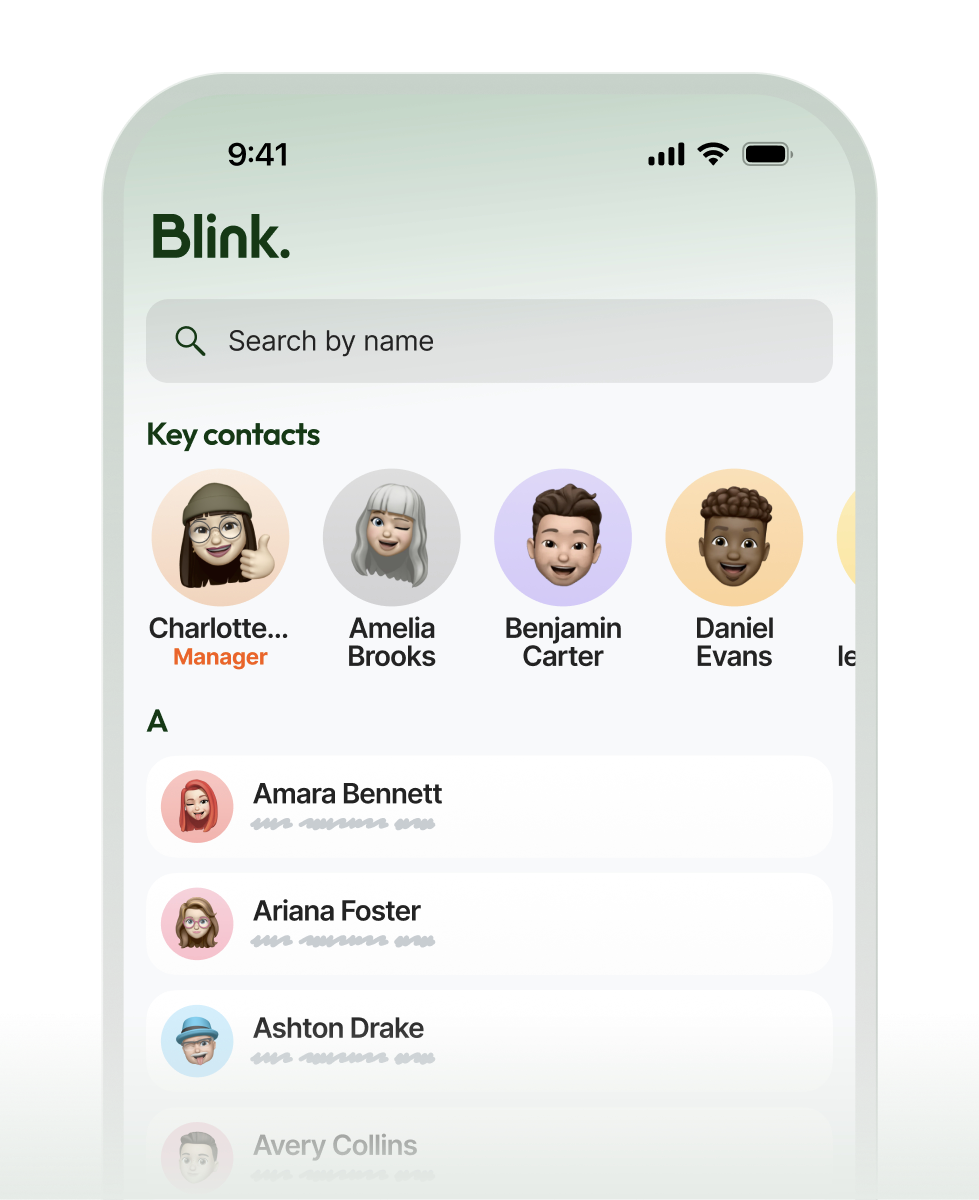
Find any colleague using details you already know
Search the whole organization by a name, role, site, or team. Land on the right person immediately without hunting for an email address or sending messages to figure out who to ask.


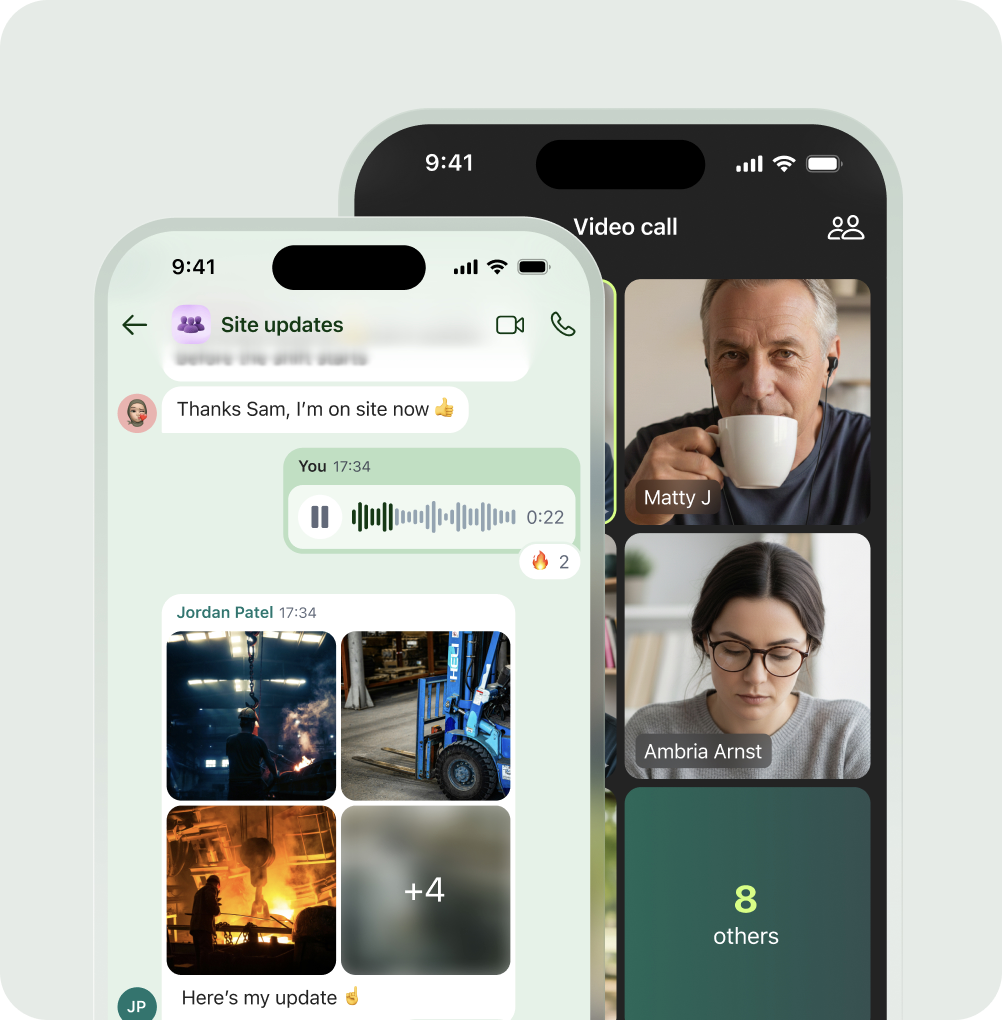
Reach the right person without leaving the app
Turn a search result into a conversation instantly. Start a chat or call in the exact same place your team already works, making it simple to find a colleague and reach them in one seamless motion.



Discover new groups and communities
Help people find the groups and communities that fit them.


Built for scale, secured for the enterprise:


Frequently asked questions
Yes, and for most frontline teams that's the whole point. The Directory is built around the people in your organization, not the inboxes they may or may not have, so anyone set up on Blink appears whether or not they were ever given a work email. That matters because the staff who are hardest to reach by traditional tools, the ones on the floor, on the road, or on shift, are exactly the people a normal email directory leaves out. Here they're findable like everyone else, and reachable straight from their profile by chat or call.
Yes. Privacy controls let any individual hide their contact details from the Directory, so the feature stays useful without forcing anyone to publish information they'd rather keep private. The person is still part of the organization and still findable, they just control how much of their contact information is visible to others. It's a deliberate balance: a directory only works if people trust it not to overshare, so giving each person that control is what keeps the whole thing something your team is comfortable being listed in.
Profiles are built from the information already in Blink for each person, their name, role, team, and contact options, alongside details like pronouns and the groups they belong to. For organizations that sync their people data from an HR system, that information flows through to keep profiles current as roles and teams change. The aim is a directory that reflects how your organization actually looks today, rather than one more place someone has to remember to update by hand. If you want to confirm exactly how profiles populate for your particular setup, that's worth a quick conversation, because it depends on how your people data is wired together.
They answer three different questions. My Contacts is "the people I reach most," a quick-access list of the colleagues you talk to often so they're always a tap away. My Groups is "the spaces I'm already in," gathering the teams and communities you belong to in one place. Discover Groups is "what else is out there," surfacing the communities you can ask to join or get invited to. Together they cover the everyday reality of a big organization: keeping your regular people close, staying on top of the groups you're in, and finding the ones you didn't yet know existed.
Ready to unlock everyone’s potential?
Let’s go!

